Power Backup Options for Blackouts: UPS, Inverter, Solar or Generator?
22 September 2026 · 6 min read
The best power backup option for blackouts depends on what you need to keep running and for how long. A UPS protects computers and CCTV for minutes with no interruption, an inverter with batteries runs lights, Wi-Fi and TV for hours, solar recharges that backup from the sun and cuts your token bill, and a generator powers heavy loads like pumps and cookers for as long as you have fuel.
When KPLC power goes off, the questions are always the same: will the cameras keep recording, will the borehole pump work, and how long until the freezer starts to thaw? This guide explains each option in plain terms so you can choose, or combine, the right backup for your home or business.
Start with your essential loads
Before comparing equipment, list what must stay on during a power cut. Most people do not need to back up the whole building, and trying to do so is what makes backup expensive.
- Critical: CCTV recorder and cameras, router, alarm panel, electric fence energiser, gate motor, a few lights
- Important: TV, laptops, fridge, freezer, office computers, POS machines
- Heavy: water pumps, borehole pumps, electric cookers, water heaters, irons, air conditioners, welding or workshop machines
For each item, note its power rating (watts) and how many hours it must run during an outage. Power multiplied by hours gives the energy (watt-hours) your backup must store or produce. This simple list drives every sizing decision that follows.
A simple sizing example
Suppose you want to keep a router (about 15 watts), a CCTV recorder with four cameras (about 60 watts in total), six LED bulbs (about 60 watts) and a TV (about 100 watts) running for five hours. That is roughly 235 watts, or about 1,175 watt-hours over five hours. Allow extra for inverter losses and battery depth of discharge, and you can see why battery capacity, not just inverter size, decides how long your backup lasts. A professional survey measures your actual loads instead of guessing.
UPS: instant protection for sensitive equipment
An uninterruptible power supply (UPS) sits between the mains and your equipment. When power drops, it switches to its internal battery so quickly that computers and recorders do not restart.
- Best for: computers, servers, network equipment, CCTV recorders, POS systems
- Runtime: usually minutes, enough to save work or ride through short cuts
- Switchover: effectively instant on online units; very short on line-interactive units
- Bonus: filters surges and voltage dips that damage electronics
A UPS is not meant to run a household for hours. Think of it as a bridge and a shield.
Inverter and battery: hours of quiet backup
An inverter converts stored battery power into the AC power your appliances use. When mains returns, it recharges the batteries. It is silent, needs no fuel and switches over automatically.
- Best for: lights, sockets for TV and Wi-Fi, laptops, fridge, security systems
- Runtime: depends on battery capacity; usually several hours for essential loads
- Switchover: fast, typically short enough that lights barely flicker
- Running cost: very low, mostly the electricity to recharge and eventual battery replacement
The key is wiring only essential circuits to the inverter. Heavy loads like electric cookers and water heaters drain batteries quickly and should stay on mains or generator.
Solar: backup that pays you back
A solar system adds panels to an inverter and battery setup (a hybrid system). The panels charge the batteries during the day and power your loads directly, so you depend less on the grid even when there is no blackout.
- Best for: homes and businesses with daytime loads and regular outages
- Runtime: extended by daily recharging from the sun
- Switchover: same as an inverter system
- Running cost: low; the sun is free, and you can reduce your monthly token spending
Solar costs more upfront than an inverter alone, and output falls on cloudy days, so batteries and sizing matter. Our article on solar vs generator for Kenyan homes goes deeper into this choice.
Generator: heavy loads and long outages
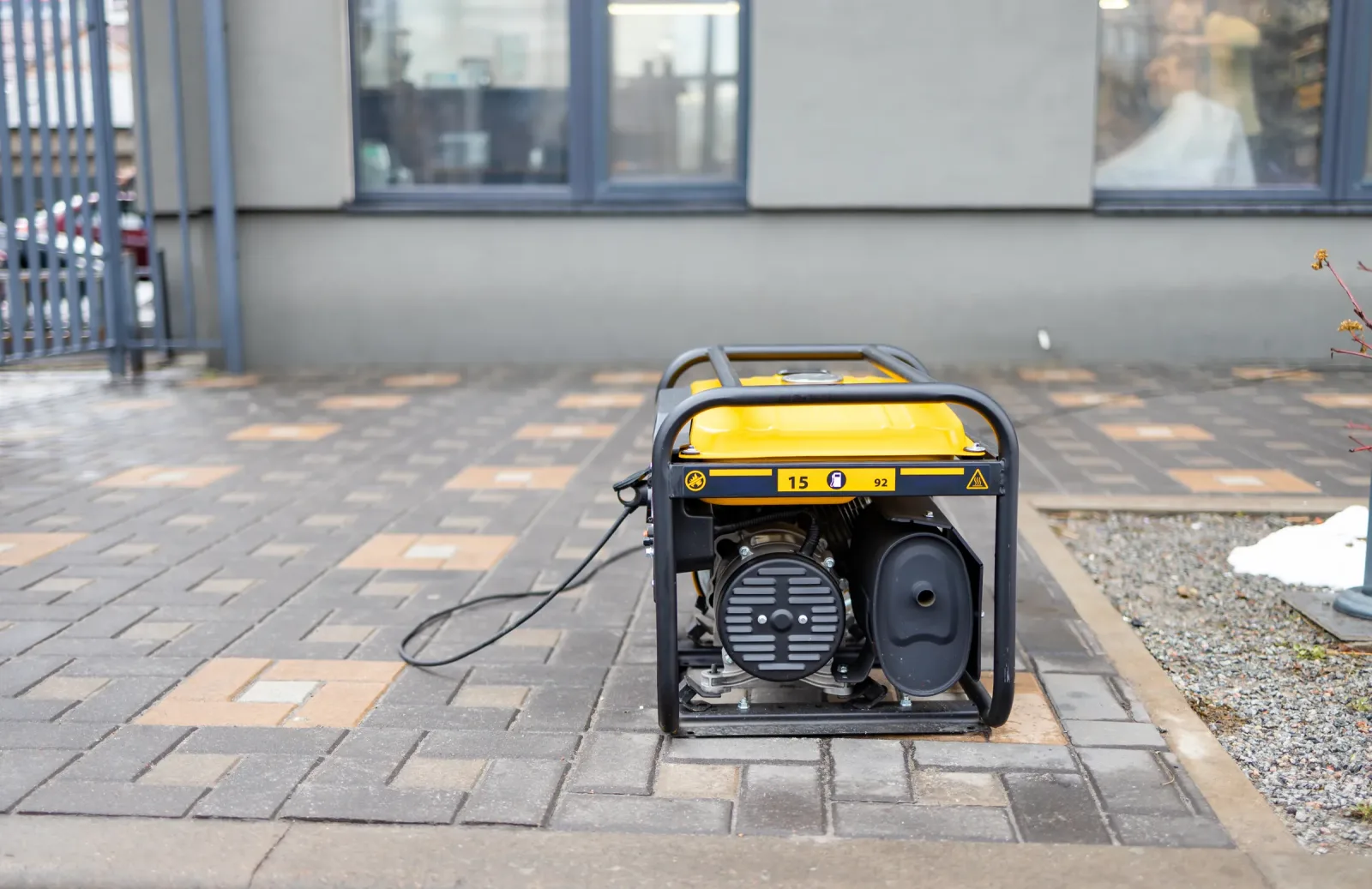
A generator burns petrol or diesel to produce power. It can run heavy equipment that batteries struggle with, for as long as fuel lasts.
- Best for: borehole pumps, workshops, large homes, schools, clinics and businesses with heavy loads
- Runtime: as long as there is fuel
- Switchover: manual changeover can take minutes; an automatic transfer switch (ATS) starts the generator and switches loads automatically, usually within seconds
- Running cost: the highest of the four, driven by fuel prices, servicing and wear
Generators are also noisy and produce exhaust fumes, so they must be placed outdoors with good ventilation. They must always be connected through a proper changeover switch or ATS, never plugged into a socket, which can feed power back into the grid and endanger technicians.
Switchover time compared
- UPS: instant or near instant, no restart of equipment
- Inverter and solar: very fast automatic switchover
- Generator with ATS: a few seconds while the engine starts
- Generator with manual changeover: as long as it takes someone to start it and flip the switch
For CCTV, that gap matters. A camera system on a generator alone will go dark during switchover and reboot. Put the recorder on a UPS or inverter so recording continues. See IP vs analog CCTV for how power is delivered to cameras.
Combining backup options
The most reliable setups usually combine two or more options:
- Inverter plus UPS: inverter for the house, small UPS for the router and CCTV recorder.
- Solar plus generator: solar handles daily essentials; the generator steps in for heavy loads or long cloudy spells.
- Generator plus ATS plus UPS: common in offices and clinics, where computers must not drop while the generator starts.
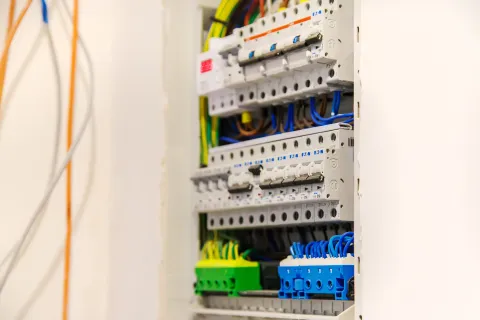
Combining systems needs careful design: correct changeover arrangements, protection in the distribution board and clear labelling, so the systems never conflict.
Running costs at a glance
- UPS: low; battery replacement every few years
- Inverter: low; recharging and battery replacement
- Solar: lowest ongoing cost, with panel cleaning and eventual battery replacement
- Generator: highest; fuel, oil changes, filters and servicing
Key takeaways
- List your essential loads first; you rarely need to back up everything.
- UPS for instant protection of computers and CCTV.
- Inverter and batteries for quiet hours of backup for essentials.
- Solar for lower bills and longer backup on sunny days.
- Generator, ideally with an ATS, for heavy loads and long outages.
- Combinations give the best reliability when designed properly.
Keep your lights, cameras and pumps running
Every blackout costs you something: lost work, spoiled food, a security system that goes dark when it is needed most. Nerpax designs, supplies and installs backup power that matches your real loads, from inverters and solar to generators with automatic changeover, all wired safely into your distribution board.
See our solar systems and generator installations, or request a free quote. Tell us what you need to keep running and we will recommend a setup that fits your budget.